Your wallpaper calendar
LifeDots is your personal dots calendar — every dot represents one week of your life. Turn weeks and year progress into a lock-screen wallpaper calendar you actually see, then set it as home or lock screen in seconds.
Habit tracker · Year progress · Life in weeks. Auto-updates every midnight via iOS Shortcuts.
Why Most Habit Tracker Apps Don't Work
- You can't see your progress when habits live only inside an app.
- You forget to track daily habits when nothing on your screen reminds you.
- There is little emotional connection when progress is just rows in a list.
If you want to track daily habits and stay consistent, you need a habit tracker app you actually see—not one you forget to open.
A Habit Tracker That Lives on Your Wallpaper
- Real-time visual progress on a life progress wallpaper you see all day.
- Always visible on your lock screen—no extra taps to feel your streak.
- An aesthetic, minimal experience so your wallpaper motivates, not clutters.
LifeDots is a live wallpaper habit tracker for your progress wallpaper and a focused lock screen wallpaper app experience.
Track your life, your way.
Every LifeDots wallpaper renders your real dates, live. Pick the lens that fits the goal — a habit, the month, the year, or your whole life in weeks.
Habits
Daily habit tracker wallpaper
This Month
Monthly calendar wallpaper
The Year
Year progress wallpaper
Perspective
Life in weeks wallpaper
Simple, Transparent Pricing
Choose a plan that fits your perspective.
Free
Track life one day at a time.
Monthly
All premium features on a flexible cycle.
Yearly
Save 51% with annual billing.
Lifetime
Pay once, own it forever.
12 of 50 lifetime spots claimed
Features That Help You Stay Consistent
Track daily habits, visualize your life, and stay consistent with a live wallpaper habit tracker built for your lock screen.
Track habits using simple dots
Each dot is a day or a unit of progress—see your streak at a glance on your lock screen.
Visual progress system
Your grid fills in over time so habit tracking feels tangible, not buried in a list.
Auto Wallpaper Update
Set it once. Your wallpaper refreshes every midnight via iOS Shortcuts — completely hands-free.
Midnight Trigger
Runs daily at 12:00 AM
Generate Wallpaper
Creates your life dots grid
Set Wallpaper
Applied to lock & home screen
Minimal and aesthetic design
Calm typography and layouts that look like art—not a cluttered dashboard.
Custom wallpaper styles
Themes, colors, and layouts so your life progress wallpaper matches your taste.
Real lock screens
Custom wallpaper styles
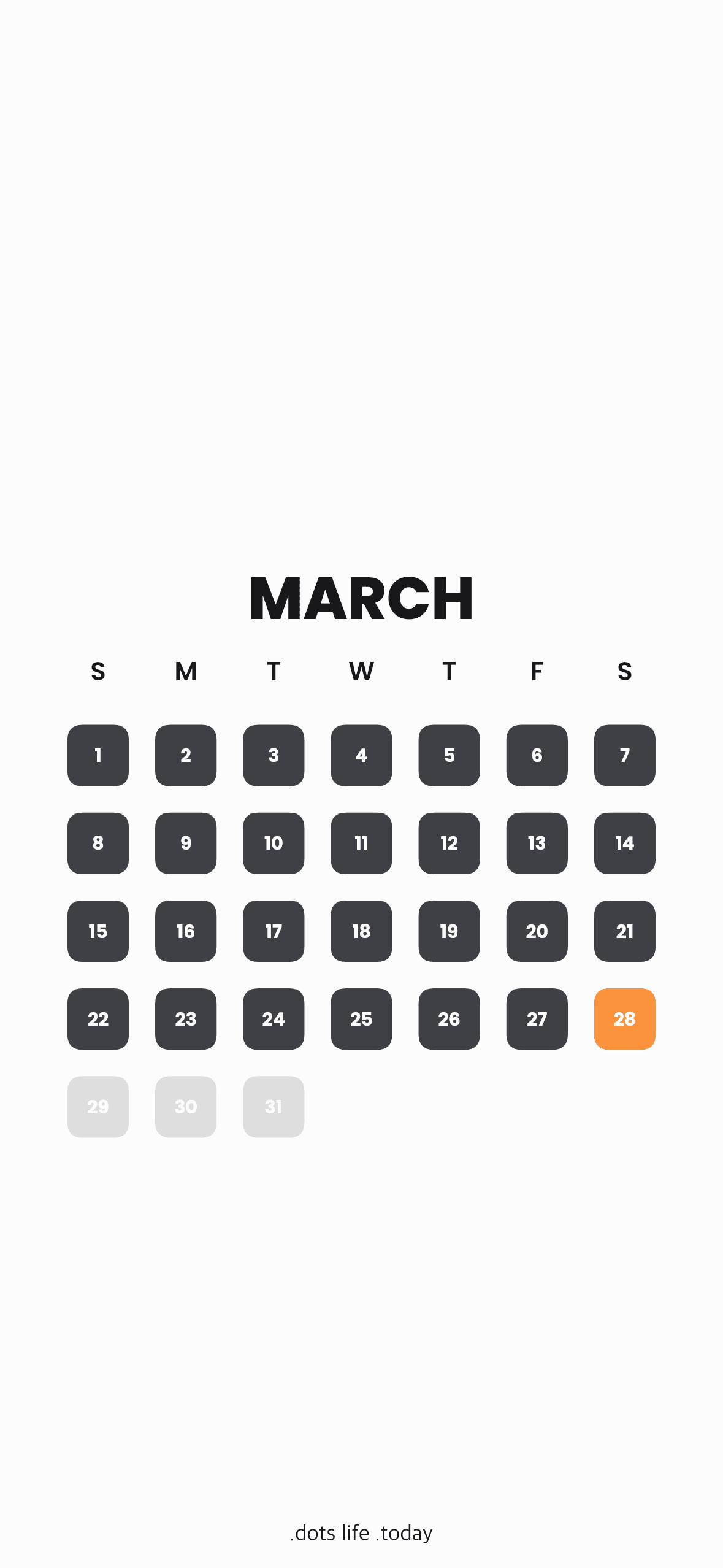
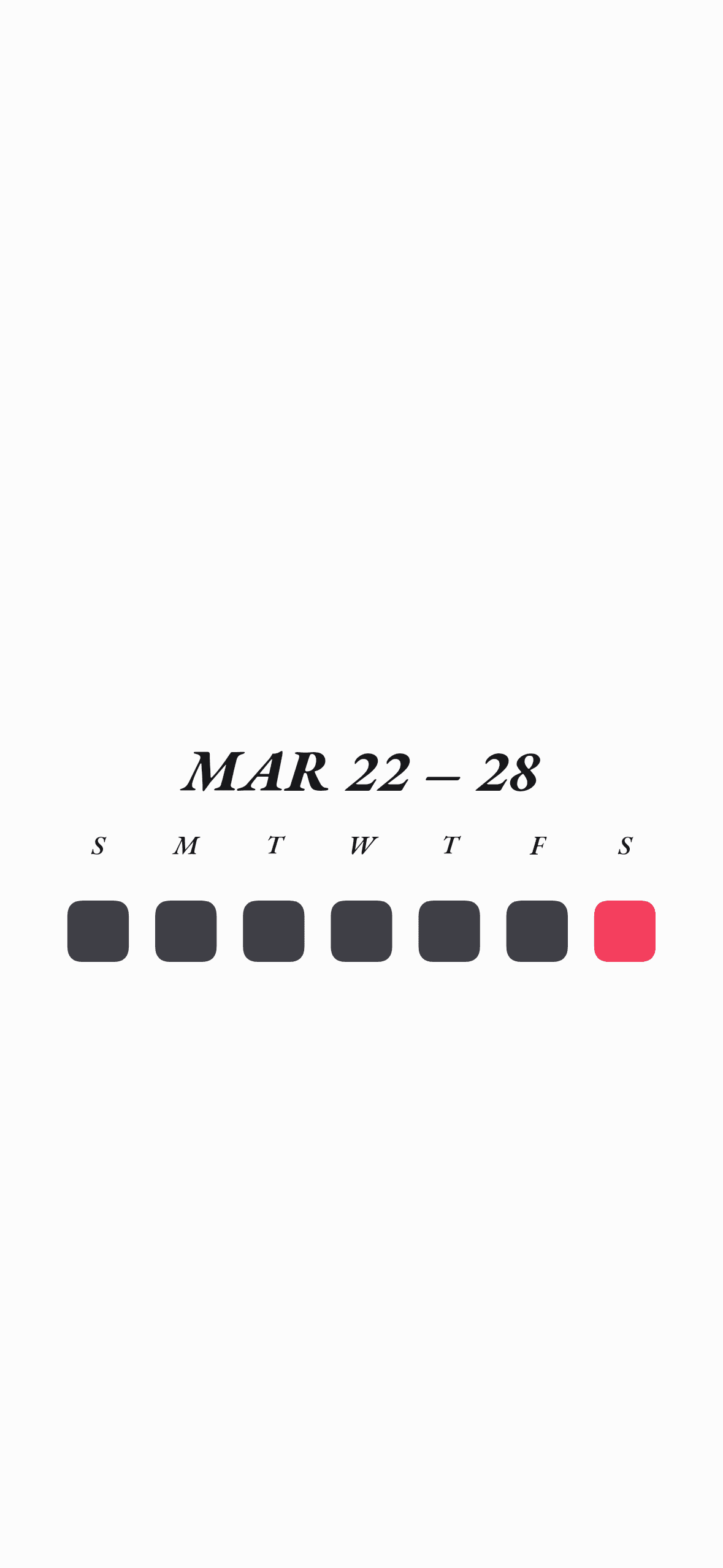
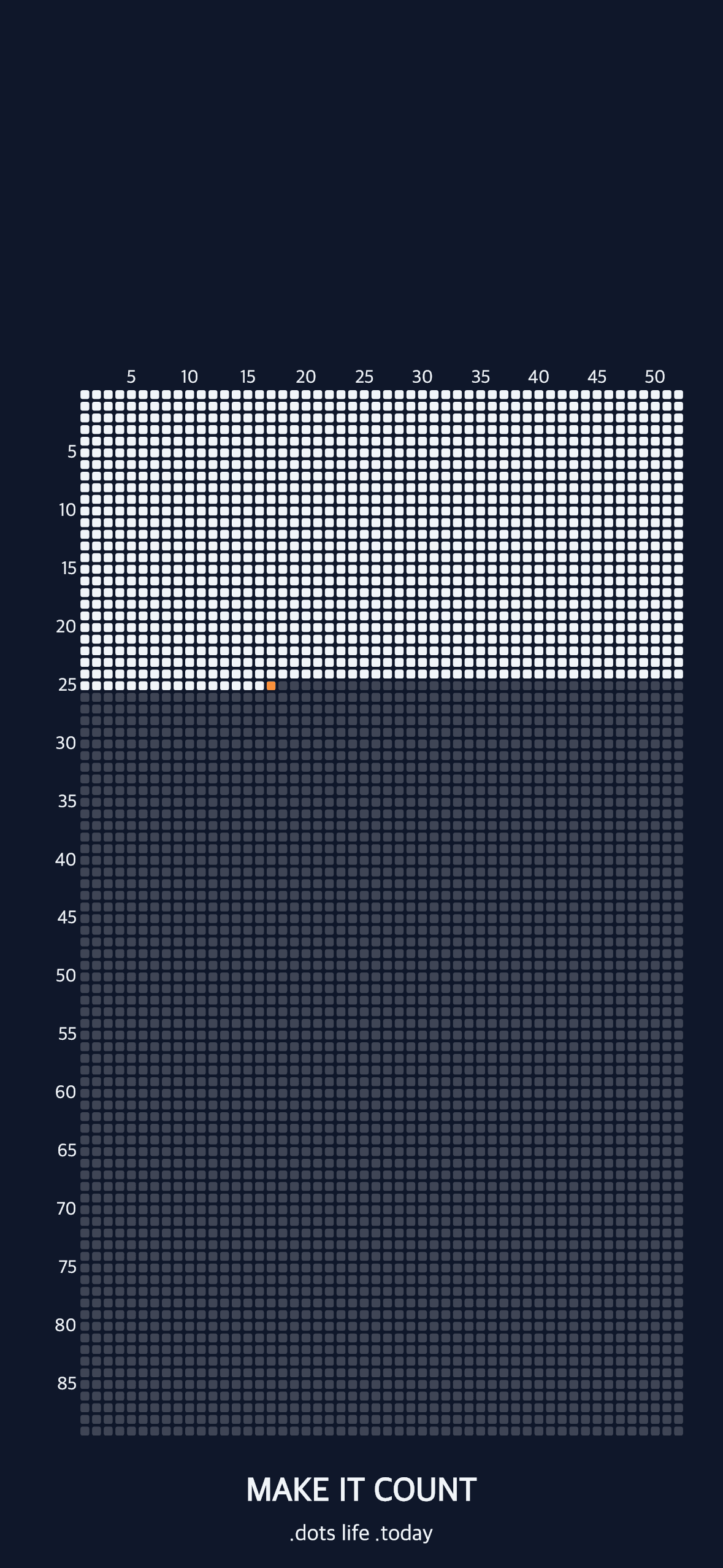
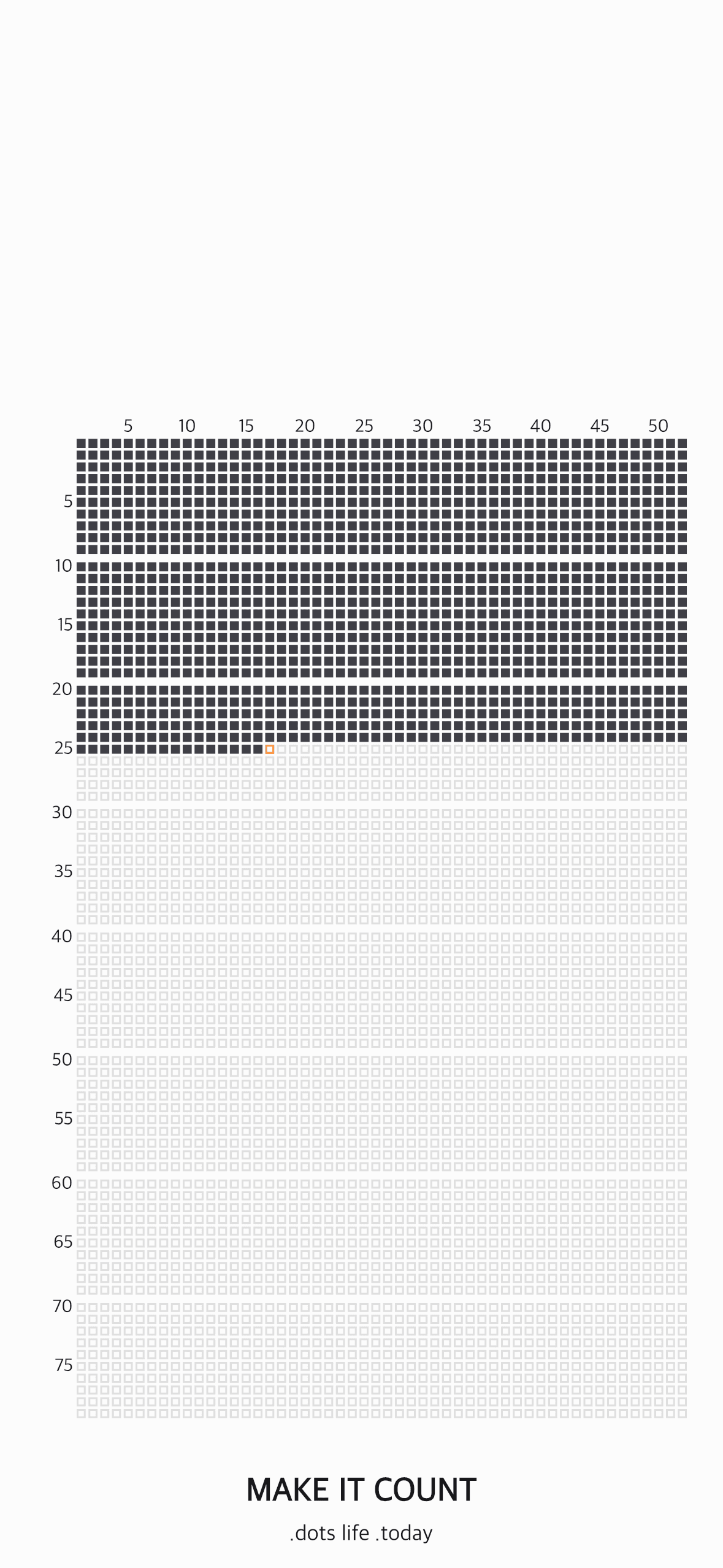
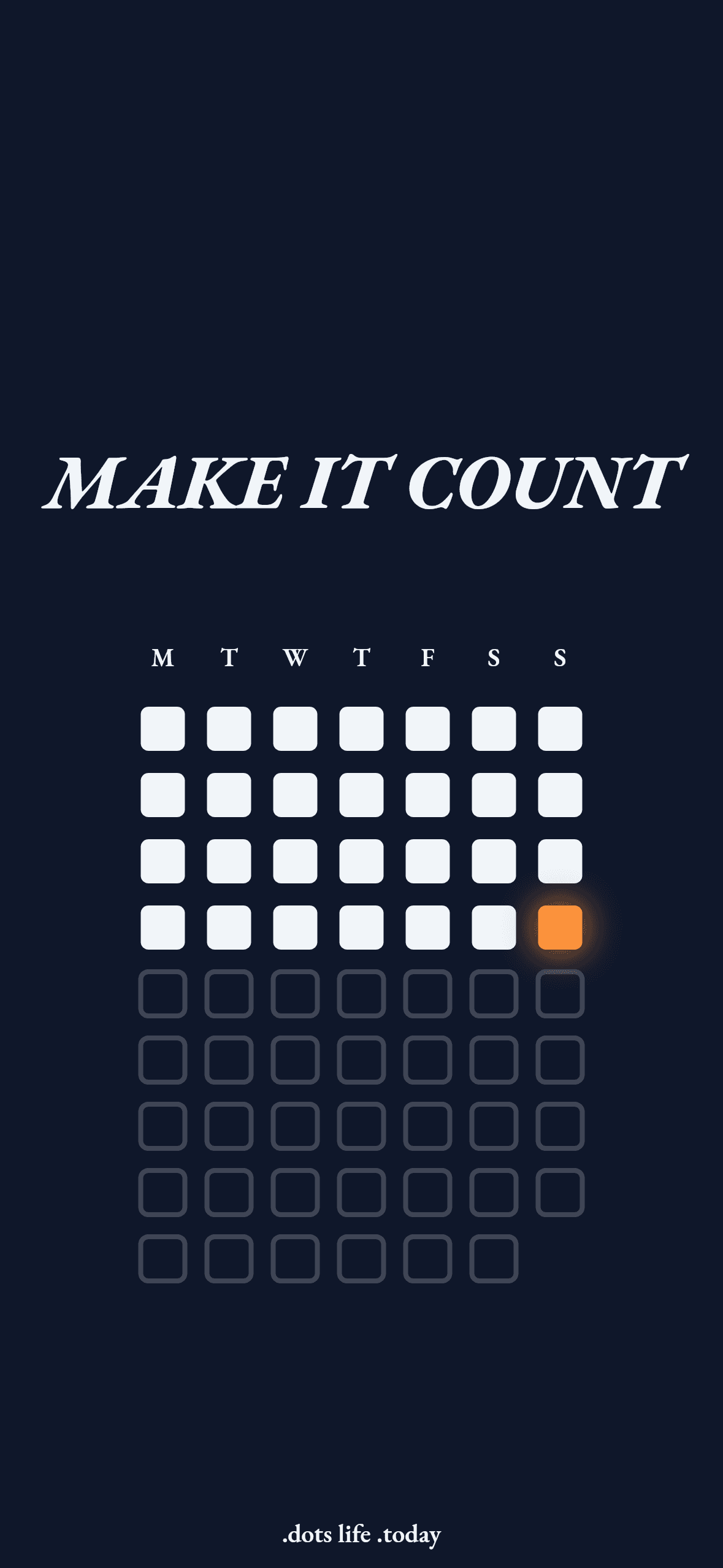
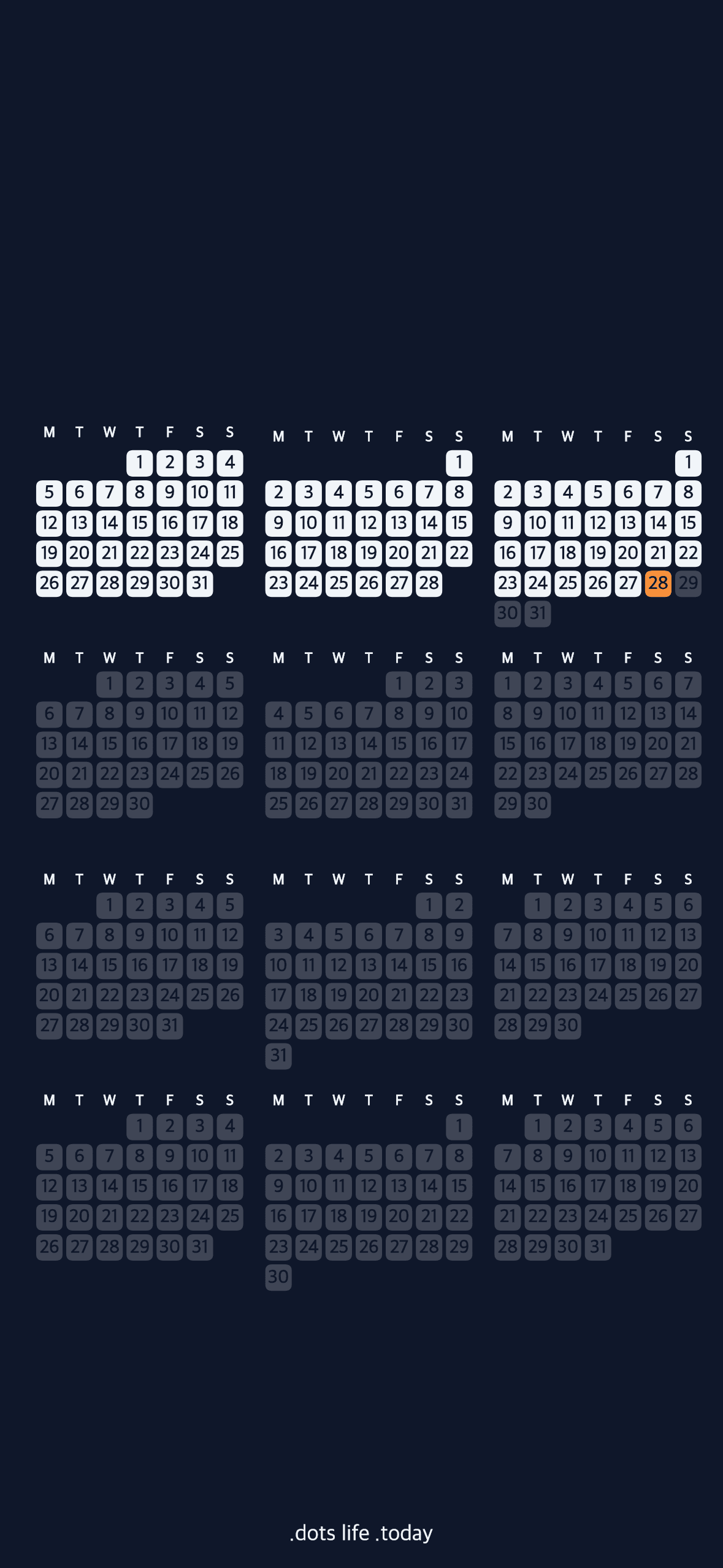
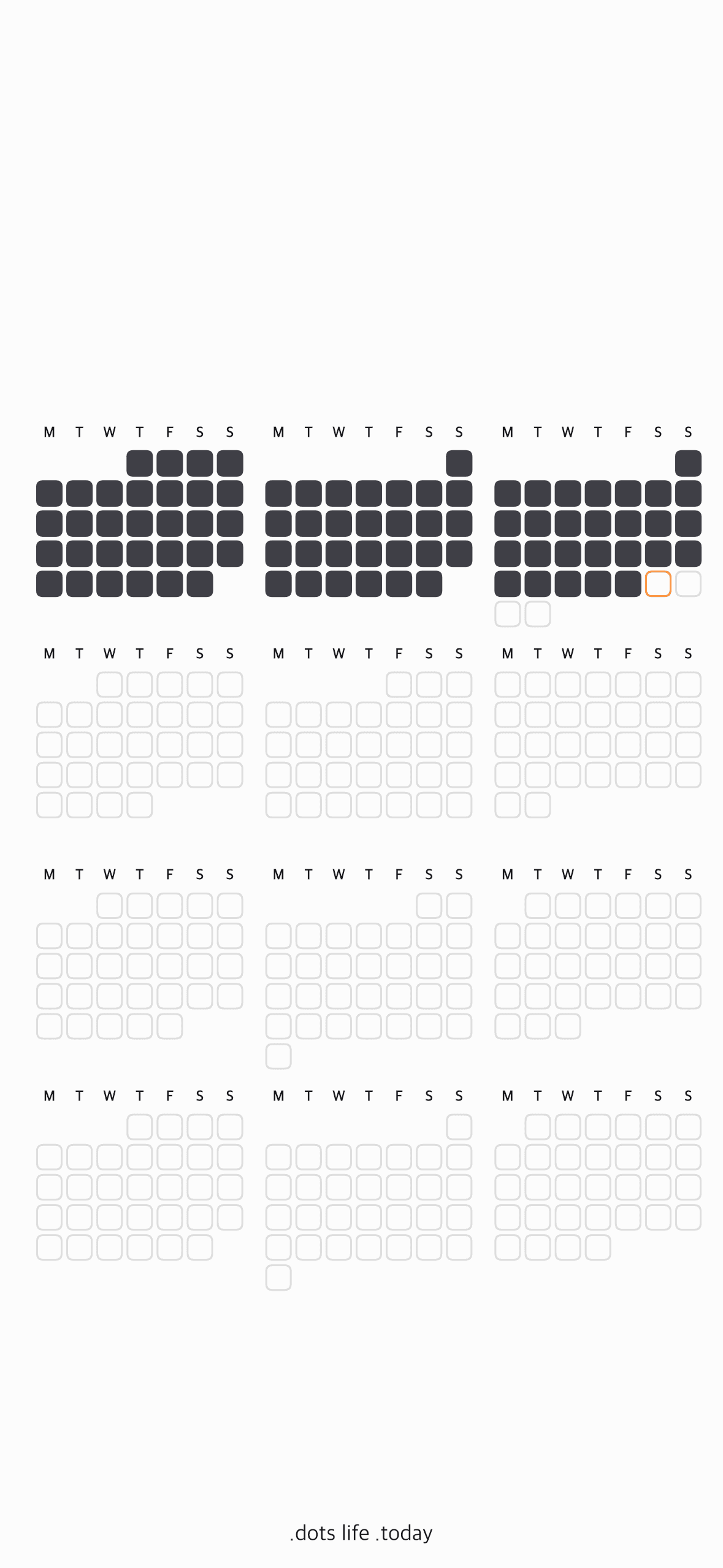
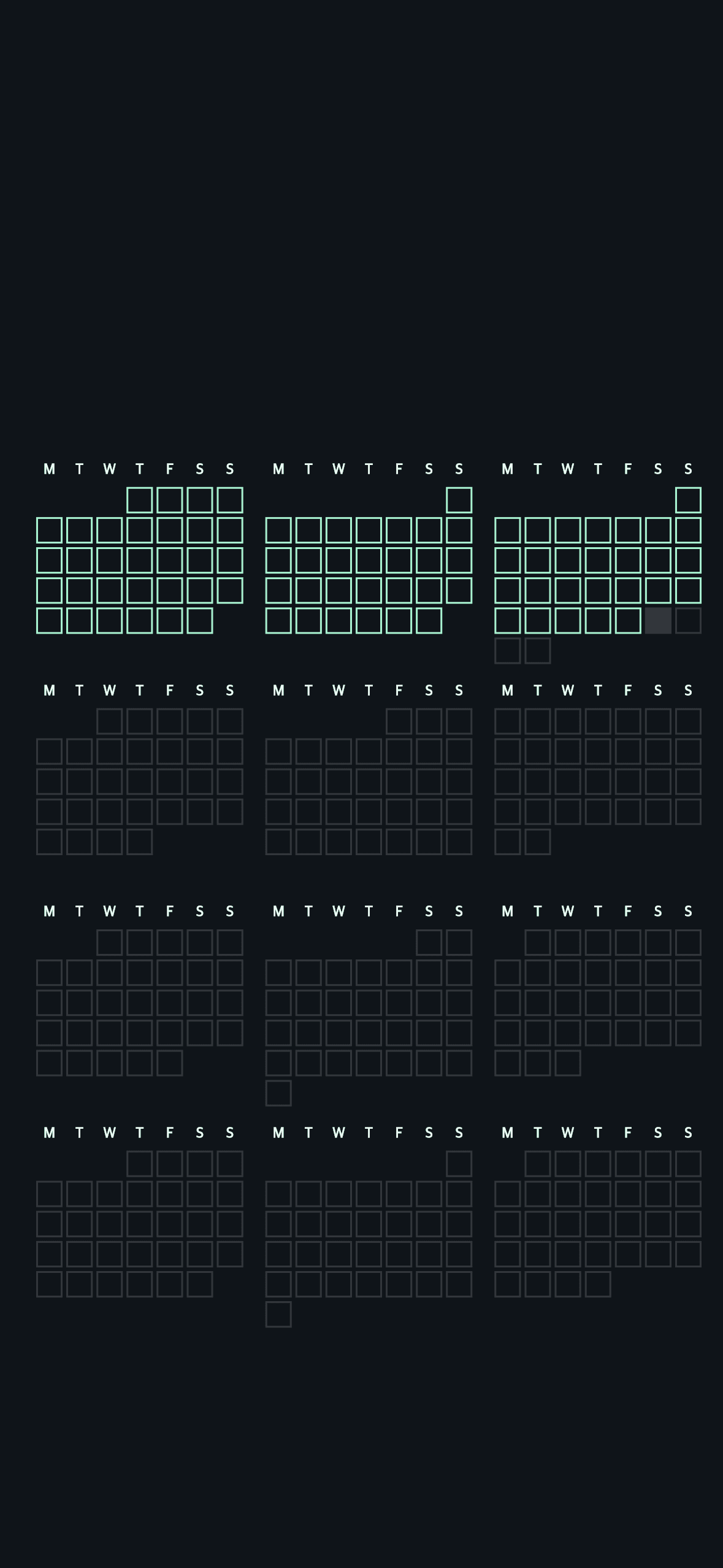
Minimal, aesthetic life progress wallpapers for your lock screen—scroll to explore habit tracker wallpaper looks you can make your own.
Our Philosophy
"Itisnotthatwehaveashorttimetolive,butthatwewastealotofit."
Awareness
Transition from the unconscious passing of time to mindful presence in every single moment.
Visualization
Abstract time transformed into tangible art on your most viewed device, keeping you accountable.
Intention
Start living each day with ultimate purpose, clarity, and direction before your dots run out.
— Seneca, On the Shortness of Life
Frequently Asked Questions
Questions about My Life Dots (LifeDots) and wallpaper calendars.
My Life Dots is a free online wallpaper calendar builder for your iPhone lock screen. Choose a grid style — daily habit tracker, monthly calendar, year progress, or life in weeks — and it generates a custom wallpaper image. It updates automatically every midnight using iOS Shortcuts. No app download, no account, no subscription required.
A wallpaper calendar is a phone wallpaper that displays a live calendar grid — showing days, weeks, or year progress — directly on your lock screen or home screen. Unlike a widget or an app, a wallpaper calendar is always visible the moment you pick up your phone. My Life Dots creates wallpaper calendars that show your habits, year progress, or entire lifetime as a simple dot grid.
A year progress wallpaper shows all 365 days of the current year as a dot grid on your iPhone lock screen — completed days fill in, remaining days stay open. My Life Dots generates a year progress wallpaper that updates automatically every midnight via iOS Shortcuts, so every morning you see exactly how far through the year you are without opening any app.
A habit tracker wallpaper places your daily habit streak directly on your iPhone lock screen as a dot grid. My Life Dots generates this as a wallpaper image — not a widget — so it is visible every single time you pick up your phone without any taps. The wallpaper updates automatically at midnight via iOS Shortcuts to reflect the new day’s progress.
The “life in weeks” concept — popularised by Tim Urban of WaitButWhy — visualises your entire lifespan as a grid of small boxes, each representing one week. Most people have around 4,680 weeks in a lifetime. Seeing how many are already filled in, and how many remain, creates a calm but powerful sense of time-awareness. My Life Dots turns this into a live wallpaper that updates every week automatically.
Yes. My Life Dots is completely free to use. You can create and download a wallpaper calendar at mylifedots.com with no account required and no subscription. Optional premium themes and styles are available for users who want more customisation options.
No. My Life Dots runs entirely in your browser at mylifedots.com — nothing to download from the App Store. You create your wallpaper in the browser, download the image, and set it on your iPhone. The automatic daily update uses iOS Shortcuts, which is pre-installed on every iPhone, so no third-party app is ever needed.
Yes. My Life Dots is a free, browser-based alternative to Pretty Progress and similar habit tracker wallpaper apps. Unlike Pretty Progress, My Life Dots requires no App Store download, is completely free, and combines daily habit tracking with year progress and life-in-weeks views in one wallpaper. It works on any iPhone via iOS Shortcuts with no subscription.
A wallpaper is better for passive awareness. It is visible every single time you pick up your phone — before you open anything. A widget requires you to actively look at your home screen. For habits you want to stay top-of-mind throughout the day without active effort, a lock screen wallpaper like My Life Dots is more effective. You check your phone 80–150 times a day — your wallpaper gets all of that attention.
My Life Dots is the only tool that combines all four modes — daily habit tracker, monthly calendar, year progress, and life in weeks — in one free web tool with no app download. WeeklyDots offers life-in-weeks only. Left is a widget app (not a wallpaper) that requires an App Store download. My Life Dots works instantly in any browser, is completely free, and produces a wallpaper rather than a widget.
After creating your wallpaper on mylifedots.com, open the iOS Shortcuts app, create a Personal Automation triggered at midnight daily, add a “Get Contents of URL” action using your My Life Dots wallpaper URL, then add “Set Wallpaper Photo” set to both Lock Screen and Home Screen. Disable “Ask Before Running” so it runs silently. The entire setup takes about 5 minutes and runs automatically every night forever.
Yes. My Life Dots is fully compatible with iOS 26. The wallpaper creator works in Safari on iOS 26, and the iOS Shortcuts automation for automatic midnight updates works with iOS 26’s Shortcuts app without any changes to your existing setup.
Build your wallpaper calendar today
Create a calendar wallpaper in minutes—year progress and habits on one image you see every time you pick up your phone.